
Target query: low voltage project management software
Low Voltage Project Management Software for Growing Contractors
Low voltage project management software should do more than hold a task list. For commercial low voltage contractors, the real project management problem is keeping scope, PM ownership, field updates, schedules, documents, change orders, closeout, billing readiness, and job profitability connected from kickoff through final invoice.
What is low voltage project management software?
Low voltage project management software is a system for managing the operational work behind structured cabling, access control, cameras, AV, networking, intrusion, and other commercial low voltage jobs. It should help a contractor see what was sold, who owns the job, what is scheduled, what the field completed, what is blocked, what documents are missing, what is ready to bill, and whether the job is still on track financially.
That is different from generic project management. A generic tool may track tasks and due dates, but low voltage contractors need a workflow that matches how jobs actually move: estimate, internal handoff, customer kickoff, material readiness, site access, rough-in, trim, testing, programming, punch, closeout package, billing, and margin review.
The best system becomes the operating record for the job. It should be useful to the owner, PM, field lead, technician, scheduler, estimator, and accounting team without forcing each person to maintain a separate spreadsheet.
Why low voltage projects get hard to manage as companies grow
A two-person shop can often manage projects through memory, text messages, and a few folders. That breaks down when the company has multiple PMs, multiple crews, more open jobs, larger customers, and more billing pressure. The owner can no longer keep every blocker in their head. PMs spend more time chasing updates. Technicians repeat information across calls, photos, and texts. Accounting waits on closeout details before invoicing. Nobody has a clean weekly job health view.
These problems are not just administrative. They affect cash flow and margin. A missing field photo can delay a change order. An unclear punch item can trigger a return trip. An untracked material issue can ruin the schedule. A job that is complete in the field may sit unbilled because nobody has confirmed the closeout package or PM approval.
Low voltage project management software should reduce those gaps by turning daily job activity into structured information the company can act on.
The workflows low voltage project management software should handle
1. Sales-to-PM handoff
The approved proposal should turn into a job record with customer, site, scope, exclusions, labor assumptions, material notes, PM owner, important dates, and closeout expectations. PMs should not have to rebuild the job from a PDF and a folder.
2. Schedule readiness
Scheduling should show more than a date. It should show whether materials are ready, site access is confirmed, drawings are available, the customer has approved key details, and prerequisites by other trades are complete. This matters because many low voltage crews lose margin before work starts, simply by showing up before the site is ready.
3. Field notes, photos, and blockers
Technicians need a simple way to submit notes, photos, time, blockers, and completion proof into the job. PMs need those updates in context, not scattered across phone calls, emails, and text threads. Field updates are especially important for change order protection, customer communication, and billing backup.
4. Change order tracking
Access problems, added devices, revised pathways, bad existing cable, after-hours work, customer delays, and redesigns can all create extra cost. Project management software should track potential change work before it becomes invisible labor. Owners should be able to see pending, submitted, approved, and at-risk change items.
5. Closeout documentation
Closeout is not one task at the end of the job. For low voltage teams, closeout may include test results, as-builts, redlines, device lists, camera views, training notes, manuals, warranty information, photos, punch completion, customer signoff, and PM billing approval. The system should make those requirements visible while the job is still active.
6. Billing readiness and margin reporting
Project management should connect to cash flow. The company needs to know which jobs are ready to bill, which jobs are missing closeout items, which invoices are waiting, and which jobs are drifting from expected margin. A good job health dashboard should make billing lag and margin risk obvious before month end.
A buyer scorecard for evaluating software
When comparing low voltage project management software, use a practical scorecard instead of a generic feature list. The right question is not, "Does it have tasks?" The right question is, "Can this help our team run low voltage jobs with fewer handoff failures, fewer missed updates, faster billing, and better margin visibility?"
| Evaluation area | What to look for | Why it matters |
|---|---|---|
| Job setup | Customer, site, scope, PM owner, files, budget, dates, and next actions in one record. | Prevents PMs from rebuilding job context manually. |
| Field updates | Notes, photos, blockers, time, punch items, and completion proof tied to the job. | Reduces update chasing and protects change orders. |
| Scheduling | Crew schedule plus readiness status, blockers, site access, and material notes. | Prevents wasted trips and schedule surprises. |
| Closeout | Checklists by job type for test results, as-builts, photos, punch, training, and signoff. | Moves completed work to invoice faster. |
| Billing readiness | Ready-to-bill status, missing requirements, PM approval, and accounting handoff. | Improves cash flow and reduces billing lag. |
| Reporting | Job health, labor variance, WIP, change orders, billing lag, and margin watch. | Gives ownership a weekly operating view. |
Why generic contractor software often misses the mark
Generic contractor software can be useful, especially for broad estimating, invoicing, or field service scheduling. The gap appears when a low voltage contractor needs the system to reflect trade-specific reality. A cabling job needs test results, labeling, redlines, and closeout documentation. A camera job needs device locations, views, network details, and commissioning proof. An access control job needs doors, hardware, credentials, panels, customer decisions, and testing. A service-heavy security installer may need recurring work and emergency dispatch, while project-heavy integrators need change order visibility and PM accountability.
If those details only live in notes, the company still has to chase the truth. The best low voltage contractor software treats those workflows as part of the operating system.
How to roll out project management software without overwhelming the team
The easiest rollout starts with a few high-value workflows instead of trying to digitize everything at once. Start with active job visibility, PM ownership, field notes, closeout status, and billing readiness. Those areas create obvious value for the office, field, and accounting team.
- Define the job record. Decide what every active job must include: owner, scope, customer, site, schedule, budget, files, closeout requirements, and current next action.
- Standardize field updates. Make it easy for technicians to capture work completed, blockers, photos, and follow-up needs.
- Review job health weekly. Look at aging jobs, blocked jobs, unapproved change work, billing-ready jobs, and margin-watch jobs.
- Connect closeout to billing. Give accounting a clear view of what is ready to invoice and what is still missing.
- Improve the workflow every month. Add more structure once the team trusts the core operating view.
This keeps the system practical. The goal is not to create more admin work. The goal is to make the important work visible earlier.
Where LowVoltageOps fits
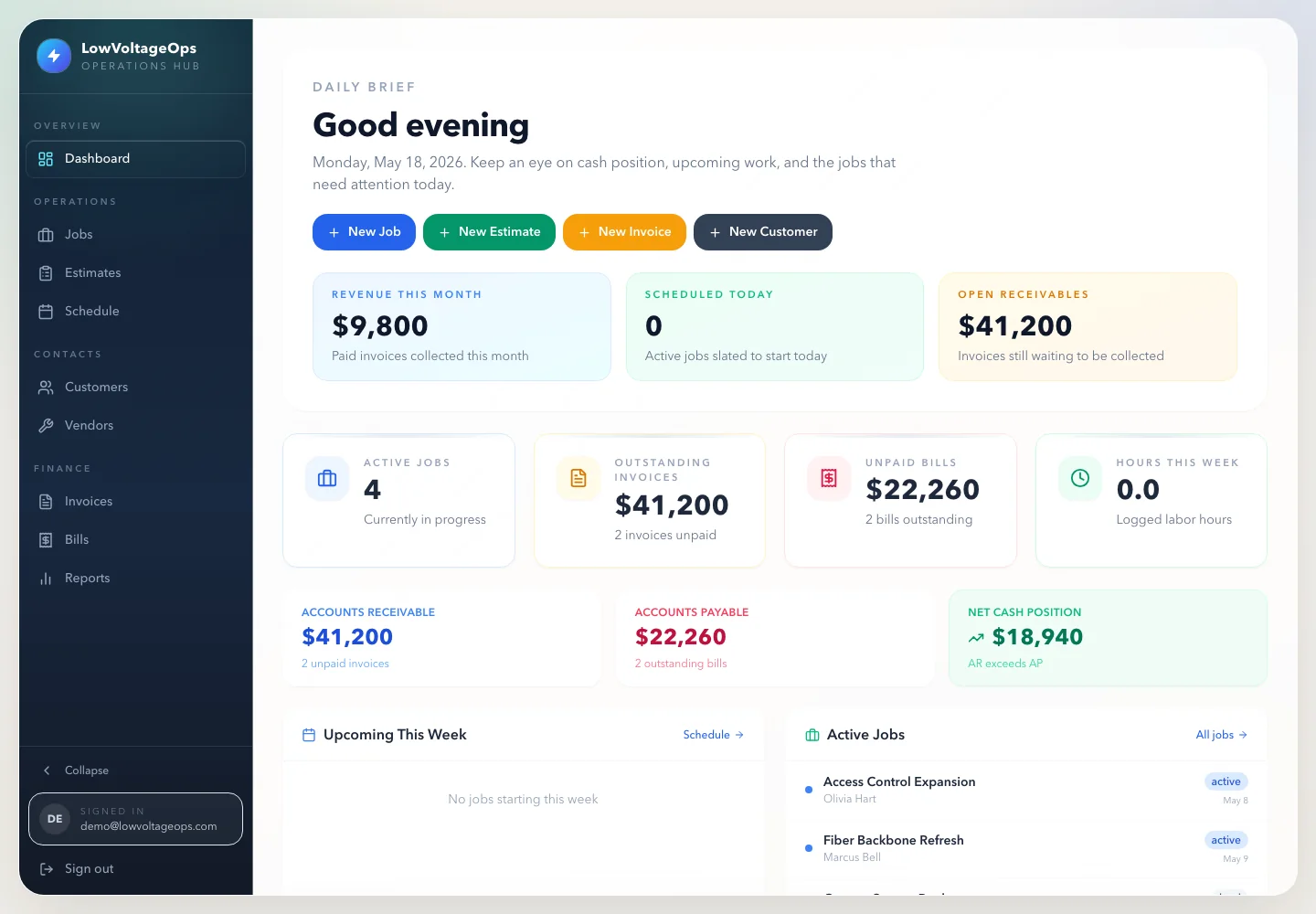
LowVoltageOps is built like an operating system for commercial low voltage contractors. It connects jobs, field updates, scheduling, proposals, documents, closeout, billing readiness, margins, and reporting in one workflow. It is designed for contractors that have outgrown disconnected spreadsheets, shared folders, text threads, and generic task tools.
If you are comparing low voltage job management software, low voltage scheduling software, low voltage closeout documentation software, or low voltage reporting software, the key question is whether the system gives your team one operating picture from kickoff to final invoice.
Frequently asked questions
What is low voltage project management software?
Low voltage project management software helps contractors manage jobs, schedules, field updates, documents, closeout requirements, change orders, billing readiness, and profitability reporting for cabling, security, access control, AV, and related low voltage work.
How is low voltage project management software different from generic contractor software?
Low voltage contractors need tools that handle field proof, device and cable documentation, test results, site access, punch lists, change orders, closeout packages, billing readiness, and margin tracking. Generic contractor software often treats those details as loose notes instead of core workflow.
What should owners track in low voltage project management software?
Owners should track active jobs, PM ownership, schedule readiness, field updates, blockers, labor burn, material status, change orders, closeout completeness, ready-to-bill work, billing lag, and margin risk.
What software helps low voltage PMs manage field updates?
Low voltage PMs need software that lets technicians submit notes, photos, time, blockers, punch items, and completion proof directly into the job record so the office can act without chasing text messages.